Skip to content

Lesson plan template

Planner Amber

Boxed form planner · Steel & blue · Montserrat + Inter
The full document

Download the compiled PDF
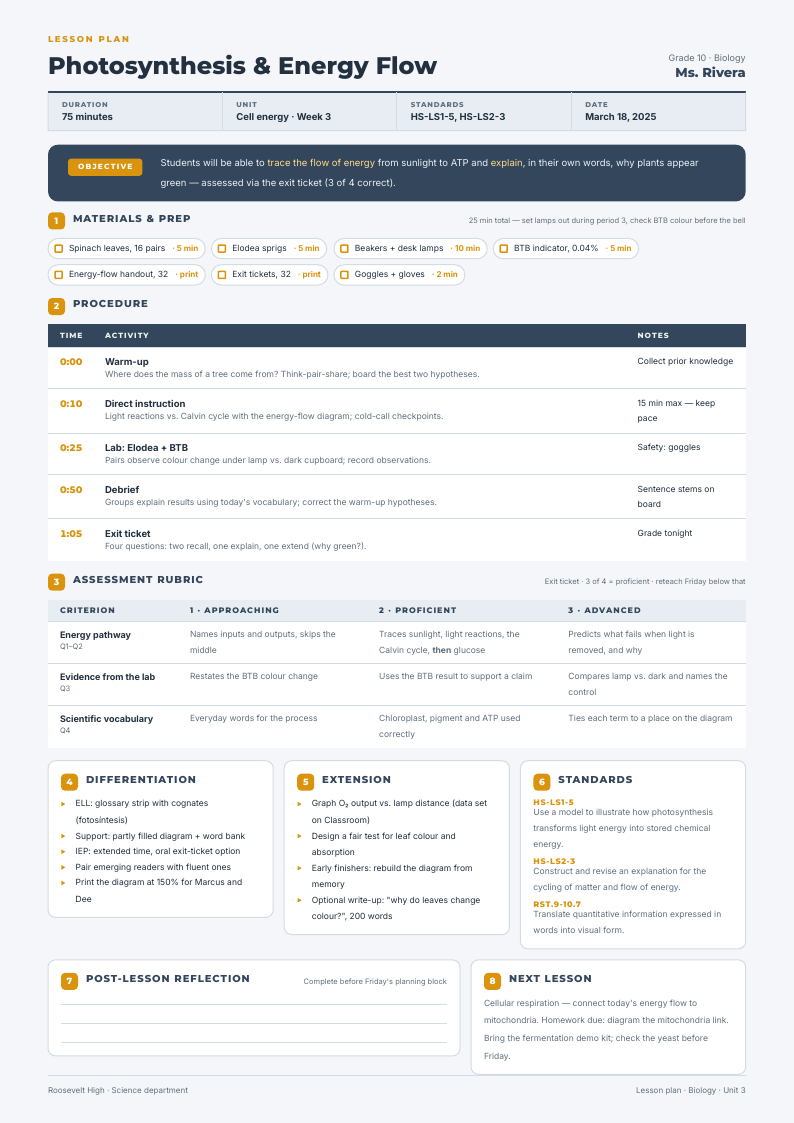
Planner Amber — lesson plan template, Boxed form planner layout, rendered from live data

Rendered by the same engine the API runs — this is the compiled output, not a mock-up.

What happens when your data replaces the sample

What Planner Amber does when the data is longer, shorter or emptier than the sample:

Fixed page furnitureNever grows, never moves
lesson header bar; footer rule
Repeats per recordOne block per row of your data
procedure rows (time / activity / notes); material chips with prep times; rubric criterion rows; standards codes
Grows with your dataAbsorbs long values without breaking
objective statement; differentiation and extension notes; next-lesson copy
Pinned to every pageHolds position across page breaks
header bar at page top; footer at page bottom
Order on the pageWhat sits after what
objective band after the header; rubric after the procedure table; reflection box last
Page breaksWhat may split, what must not
procedure and rubric tables may split with their headers repeating; the objective band and a single rubric row must not
Last pageHow the document ends
the reflection box may land alone on the final page

Palette and type

Steel & blue

  • Ink #1e2f45
  • Accent #4a7fb5
  • Canvas #f5f7fa

Montserrat + Inter

The pairing this design was drawn around, laid out as a Boxed form planner on A4 portrait. Either face can be swapped in the editor — the layout holds on the grid, not on a font's metrics.

Other lesson plan designs

All lesson plan templates →

Planner Amber is the boxed form planner reading of this document; its siblings take it differently — minimal, type-led and swiss grid. See all lesson plan templates.